From raw data to stunning widgets
With Gridfy.io, stop sharing ugly spreadsheet links. Transform your Airtable bases into beautiful, interactive, and responsive components for your website in seconds.
Our Team - A Family
We are a litle family making big things

Daniel Kim — Lead Engineer
Full-stack engineer with a love for clean architecture and performance. Enjoys solving hard problems with elegant, maint
Contact Now
Alex Carter — Founder & Product Lead
Vision-driven builder focused on turning complex ideas into simple, scalable products. Obsessed with user experience and
Contact Now
Maya López — Growth & Marketing
Data-informed marketer passionate about positioning products people actually need. Turns insights into traction and meas
Contact Now
Sofia Bennett — Design & UX
Human-centered designer crafting intuitive interfaces that feel effortless. Believes great design is invisible, but unfo
Contact NowWhy use Gridfy for your project?
Turn your data into flexible, production-ready web components—fully customizable, easy to embed, and without relying on backends or rigid widgets.
Full customization, no “widget” look
Native widgets often break your website’s design. With Gridfy, components visually adapt to your brand, respecting typography, spacing, and styles for a truly native integration.
Get started with Gridfy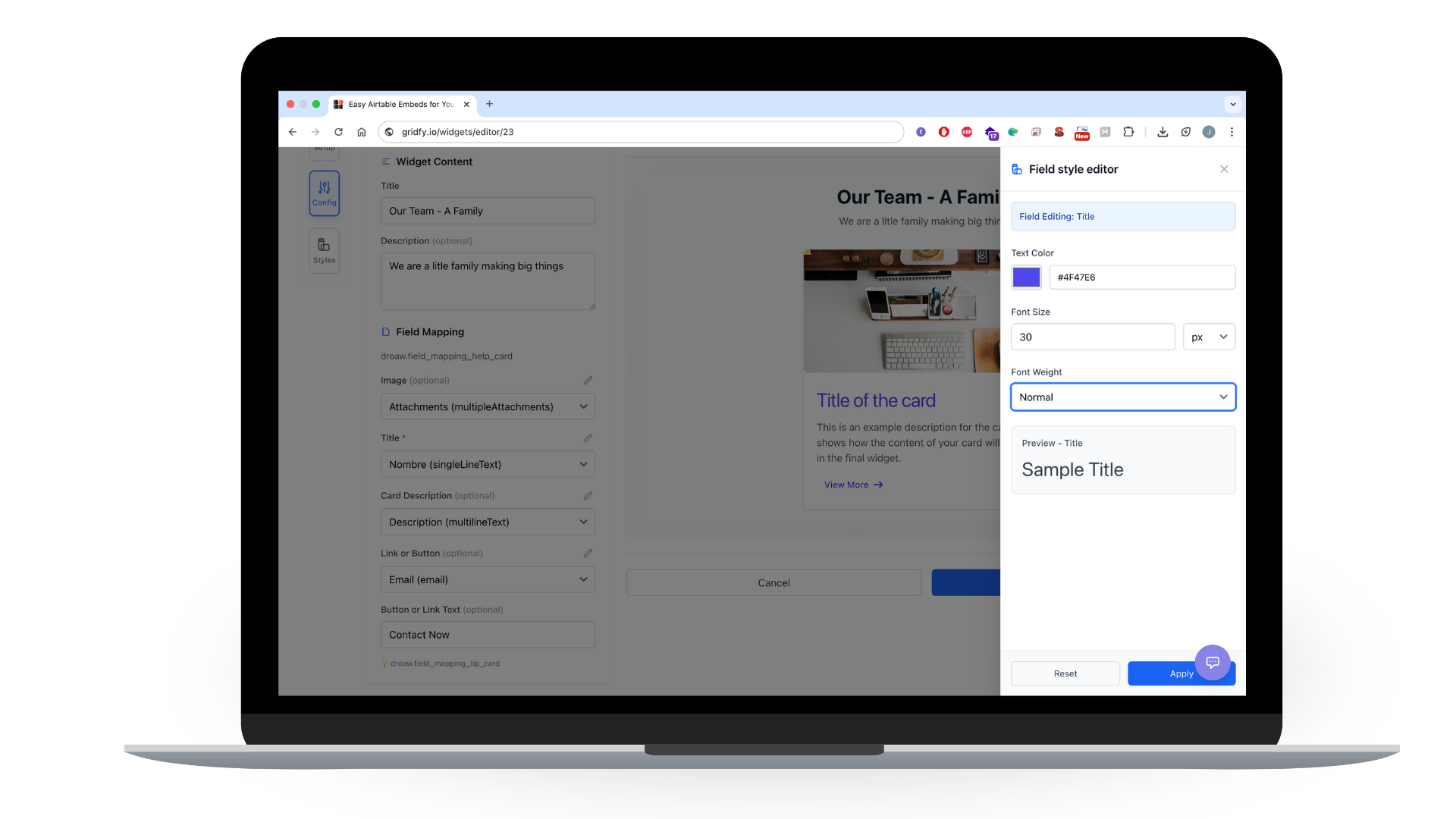

Use the code anywhere, without lock-in
Use the generated components in custom projects or embed them into your existing tools and workflows. Gridfy fits into your stack instead of forcing you into a closed system.
Start building your first componentShip faster, without backend complexity
Skip APIs, server logic, and custom frontend development. Drop a single script and your components are live—and always in sync with your data, updating automatically whenever your source changes.
Try it in minutes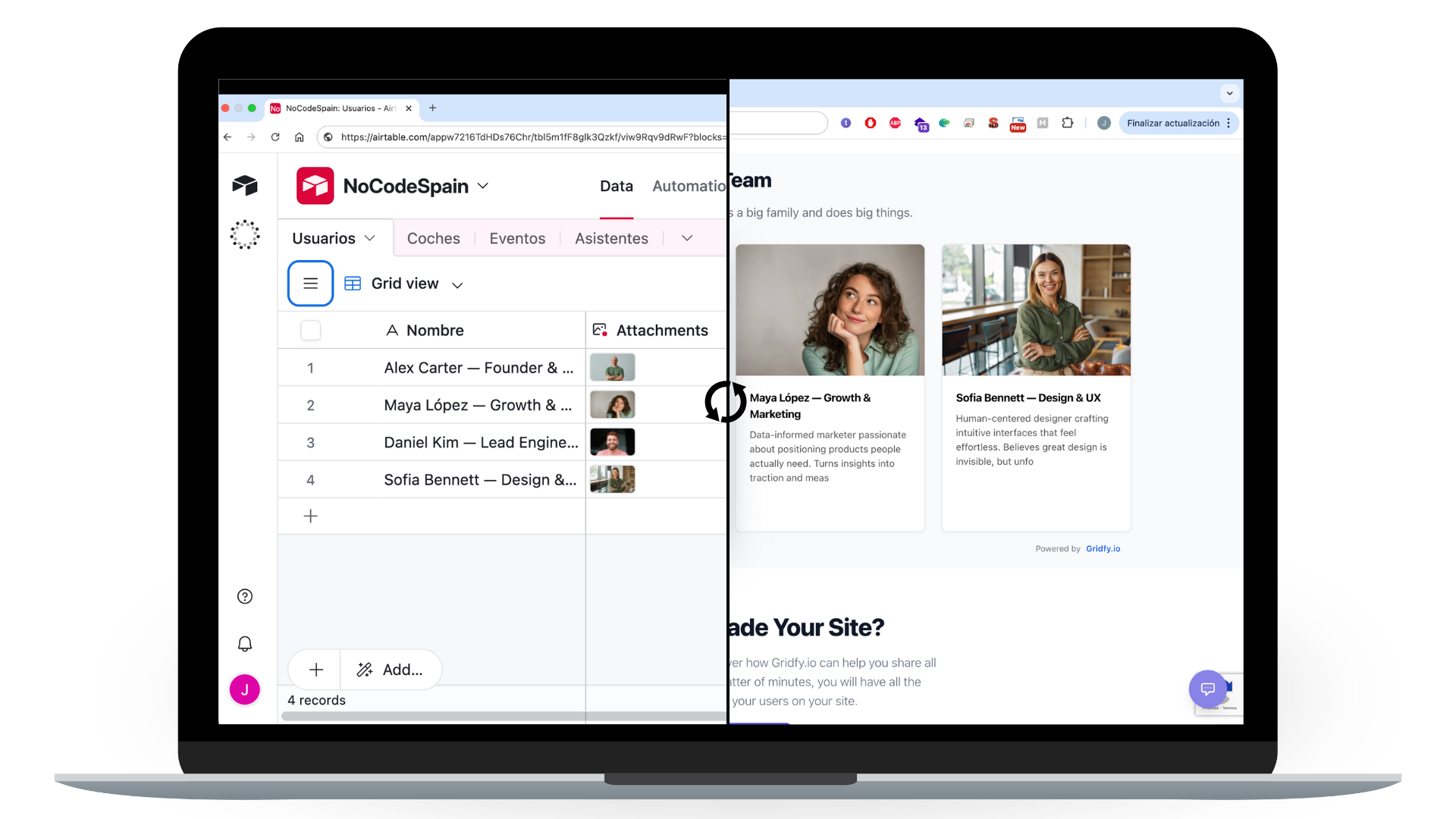

Professional Tailwind-based components
Gridfy generates clean, professional components built with Tailwind, designed for real production use. No iframes, no locked embeds—just native-looking blocks that belong on your site.
Create your first componentConnect your data to any platform, plug and play.
All you need to get started is to connect your account to Gridfy and configure one of our predefined components.
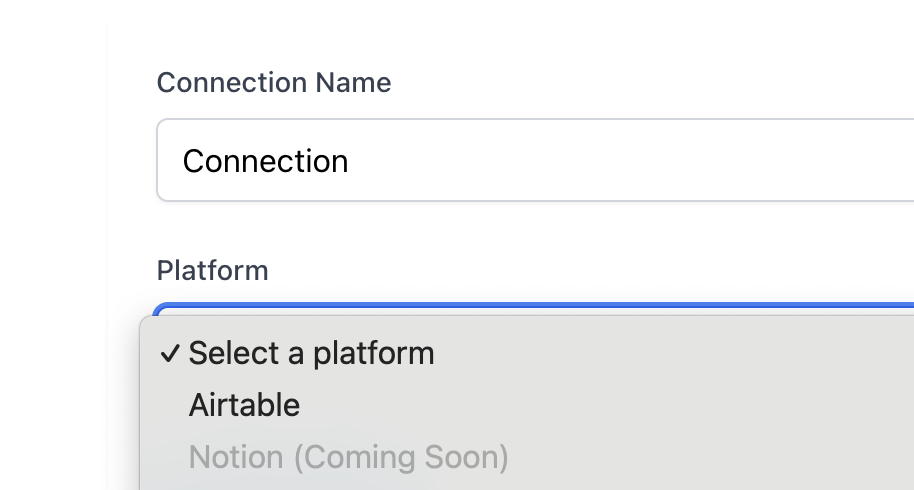
Connect your account
Create an Airtable, Notion, or Google Sheet connection and select the data source you want to use.
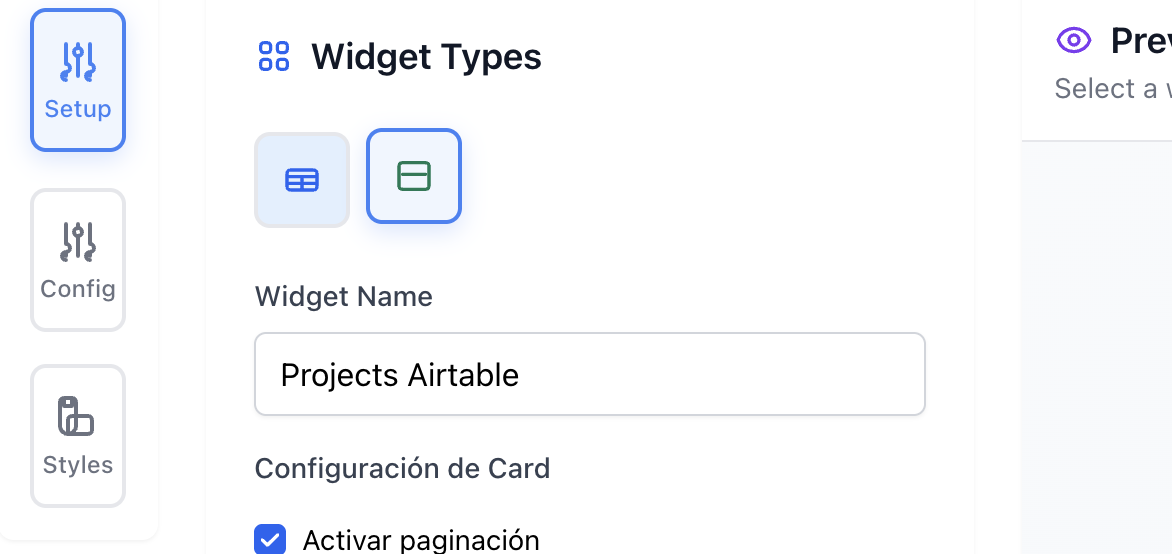
Customize your widget
Choose from different widget types, and customize the data to be displayed and the styles used.
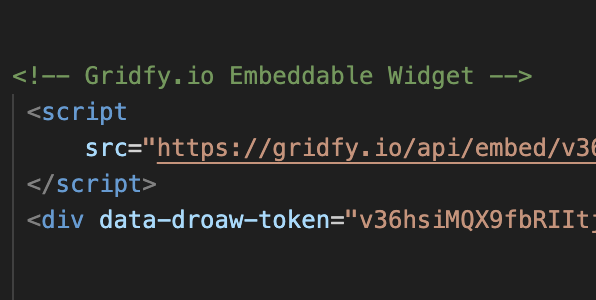
Install on your website
When you're ready, Gridfy will generate a unique script that you can install to load the information onto your website.
Advanced features for your widgets
Unlock the full potential of your data with powerful customization options, advanced controls, and enterprise-grade security features.
Try Gridfy.ioStyle customization
Create completely unique widgets tailored to the aesthetics of your site. Define fonts, colors, sizes, and layouts to perfectly match your website's identity.
Advanced controls
Increase visitor interaction by adding smart features to each widget. Add options such as smart search, dynamic sorting, or custom filters so users can find information quickly.
Analytics and usage limits
Each widget will have clear viewing and performance statistics. You can also set a maximum number of uses, maintaining control over access to your data at all times.
Domain access control
Decide precisely where your widgets can be displayed. Configure lists of authorized domains to ensure that your information is only accessible from the websites you choose.
Pricing
Choose the perfect plan for your widget needs. Start for free or unlock unlimited potential with our lifetime deal.
Lifetime
Get your lifetime subscription to Gridfy.io with our launch offer.
- All PRO features and ...
- Unlimited widgets and scripts
- Access to all advanced options
- Access to future upgrades and tools
- Only for the first 100 people
FREE
Coming Soon
- Embed up to 1 widgets on your website
- Customizable styles (colors, fonts, layout)
- Domain restriction (choose where your widget appears)
- Basic analytics (views & usage stats)
PRO
Coming Soon
- Embed up to 10 widgets on your website
- Customizable styles (colors, fonts, layout)
- Search & sort controls included
- Domain restriction (choose where widgets appear)
- Basic analytics (views & usage stats)
- Email support
FAQs
Frequently asked questions
Gridfy.io is a tool that transforms your data (from Airtable, Notion, or Google Sheets) into interactive widgets for your website without needing to code. These widgets update automatically and look great on any screen.
You can create widgets like product lists, event calendars, directories, filterable tables, or any interactive data view you need to display on your website.
No. Gridfy.io is designed to be no-code. Connecting your data source and configuring a widget is visual and straightforward; then you simply copy and paste the generated script.
You just need to authorize your Airtable, Notion, or Google Sheets account, select the table/data table you want to use, and then customize how it displays in the widget.
Yes, the landing page will show visual examples and ready-made widget demos so you can see exactly what you'll get before logging in or creating one yourself.
Yes — once you create and place the widget on your website, it syncs with your data source and updates automatically every time your data changes.
Yes. You can adjust colors, fonts, sizes, layouts, and interaction options (like filters and searches) to match your brand or website style.
Yes — we will soon launch a complete documentation section that will grow with step-by-step guides, examples, use cases, and tutorials to help you get the most out of Gridfy.io.
Gridfy.io offers options from a free plan (with one widget) to Pro subscriptions and lifetime packages. Plans include different widget limits, customizable styles, and advanced features.
Once created, Gridfy.io generates a small script that you can paste into any website — whether it's WordPress, Webflow, static HTML, or landing platforms — and your widget will display live.
Ready to Upgrade Your Site?
Create your first widget now and discover how Gridfy.io can help you share all your data with minimal effort. In a matter of minutes, you will have all the information you need for your users on your site.
Start Now with Gridfy.io